For Builders
A desktop command room for people with many AI work lanes, not just one chat window and a pile of forgotten outputs.
Local-first AI operations desktop for serious builders.
Fantasia coordinates FVE website visual work, OpenClaw handoffs, COAI readiness, receipts, rollback checks, and guarded WordPress publishing so the work can move fast without losing proof or control.
Fantasia is built for the kind of work where images, sites, dashboards, agents, review notes, and production routes all need to stay accountable to one operating picture.
A desktop command room for people with many AI work lanes, not just one chat window and a pile of forgotten outputs.
A guarded path from FVE visual review into COAI image binding, WordPress readiness, and publish receipts.
A visible control layer for AI work that has memory, brakes, traceability, and product-shaped revenue paths.
The Fantasia lane keeps visual review, candidate selection, and publish readiness together. That matters here because FaithCheltenham.com needs the old best images restored, not overwritten by smaller thumbnails or rushed replacements.
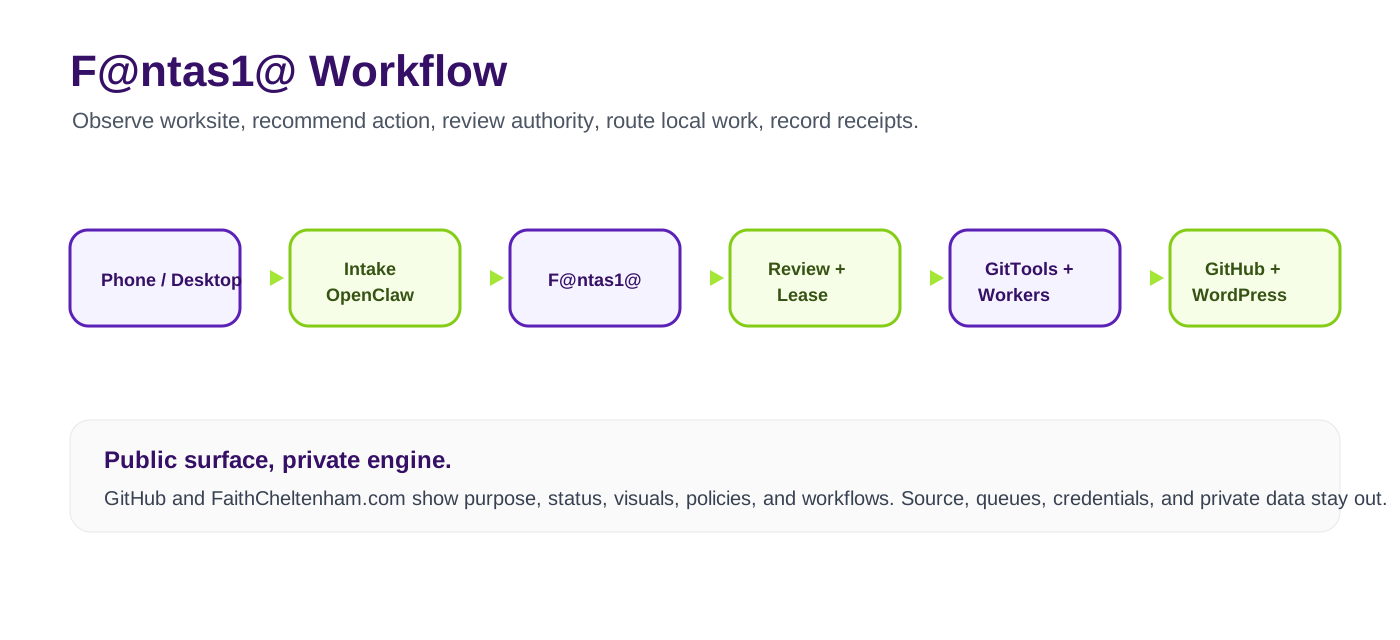
This public flow shows the safe operating shape without exposing the private local command room.
Start in the local command room, where work packets, receipts, and safe operator handoffs are visible before any publish action.
Create a scoped lane for the project so FVE, OpenClaw, COAI, and review notes stay tied to one traceable run.
Review pages, images, dashboards, and route families with local-first checks before anything touches production.
Use the safe autopilot lane to classify what can publish, what needs changes, and what must remain private.
Confirm WordPress targets, image bindings, rollback state, and asset quality before the publish route opens.
Ship only after production status, typed confirmation, target slots, and rollback receipts are clean.
The repo includes hero, banner, workflow, boundary, gallery, icon, and social assets. FaithCheltenham represents those public assets here while the local command room stays private.

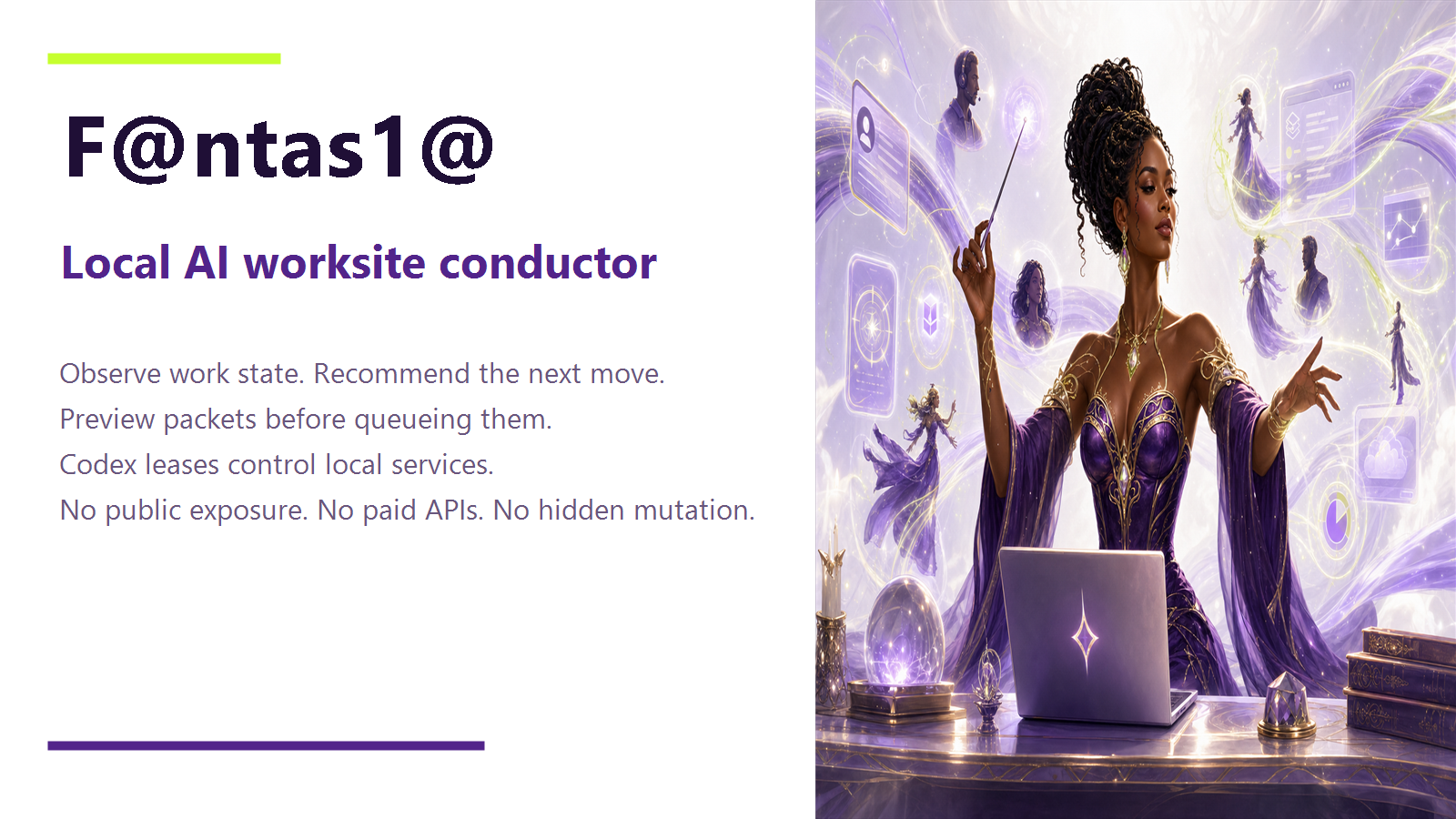
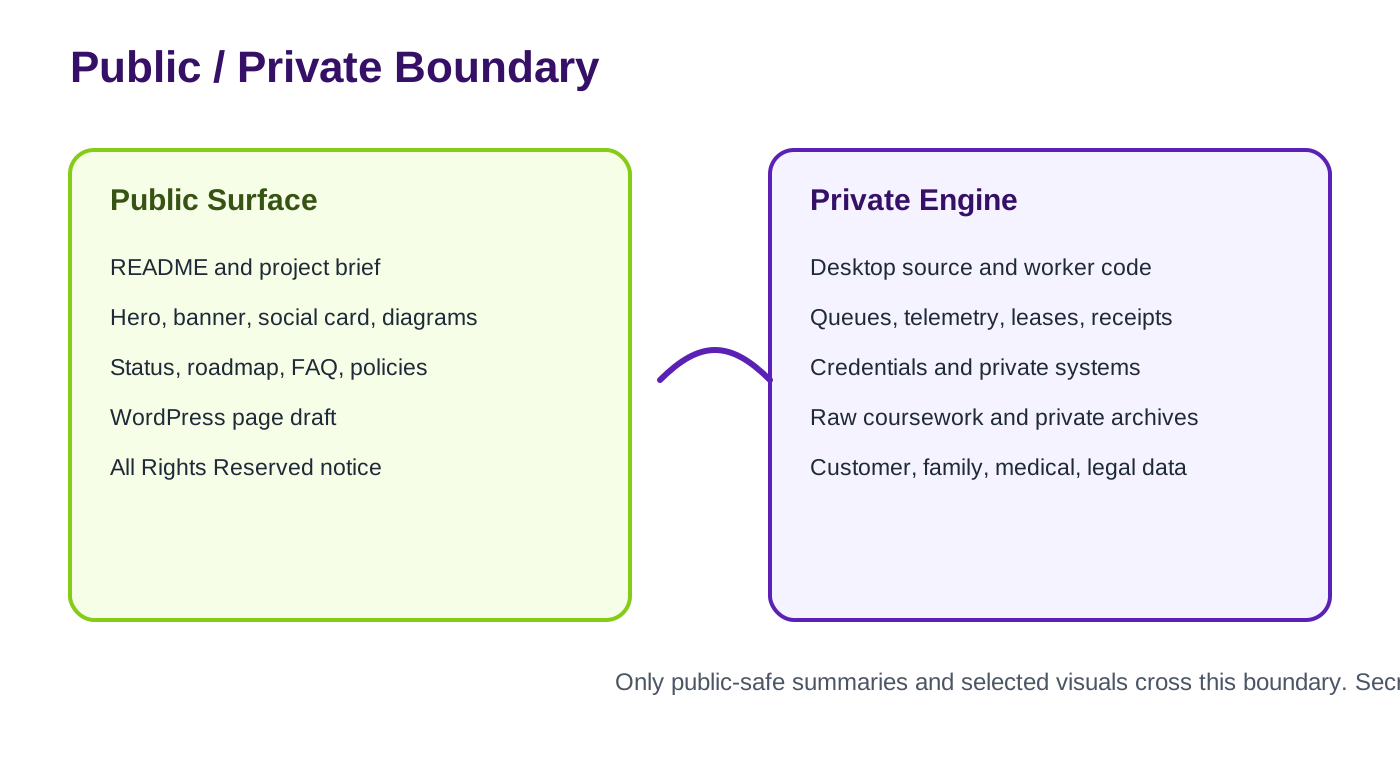
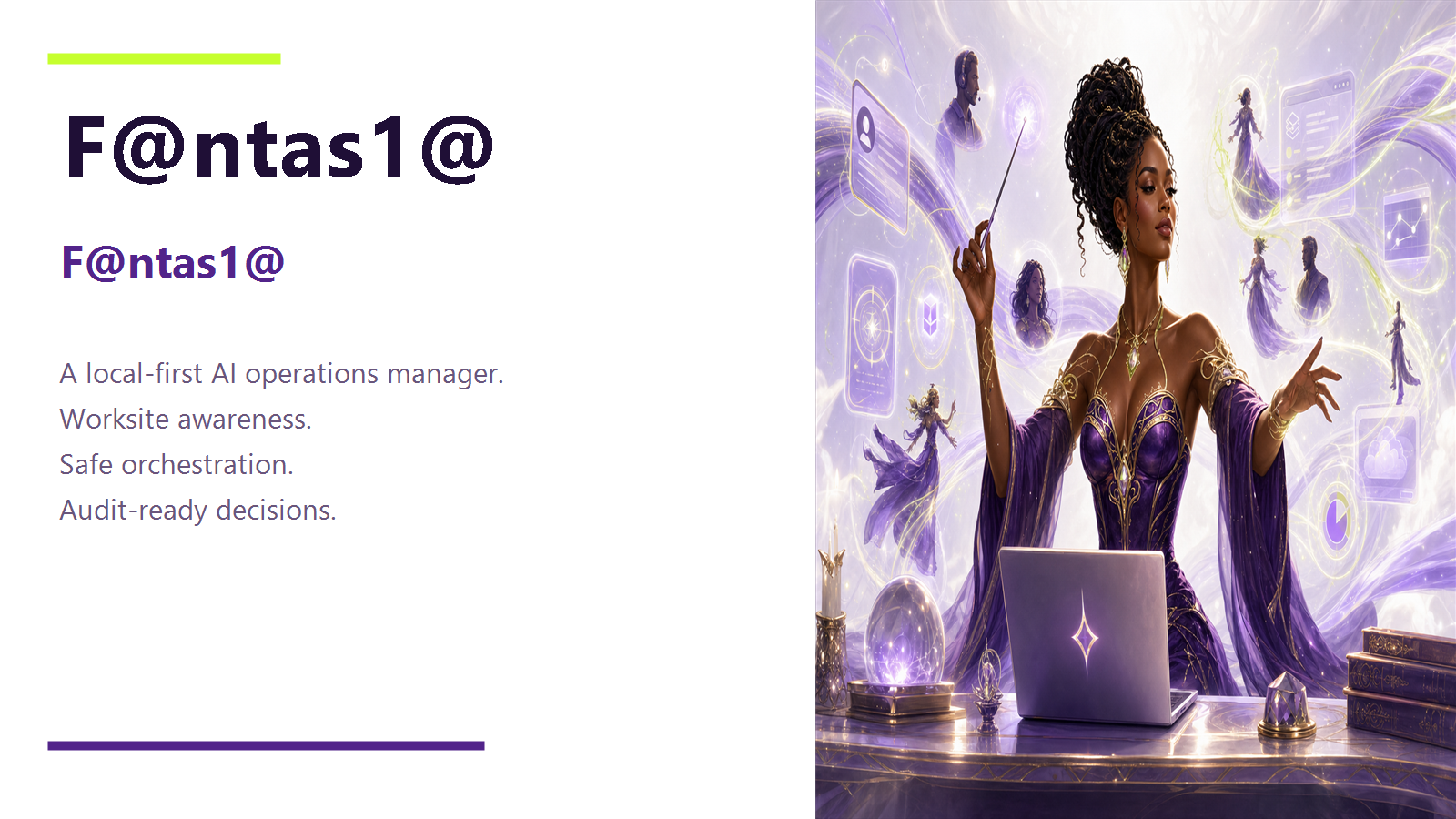
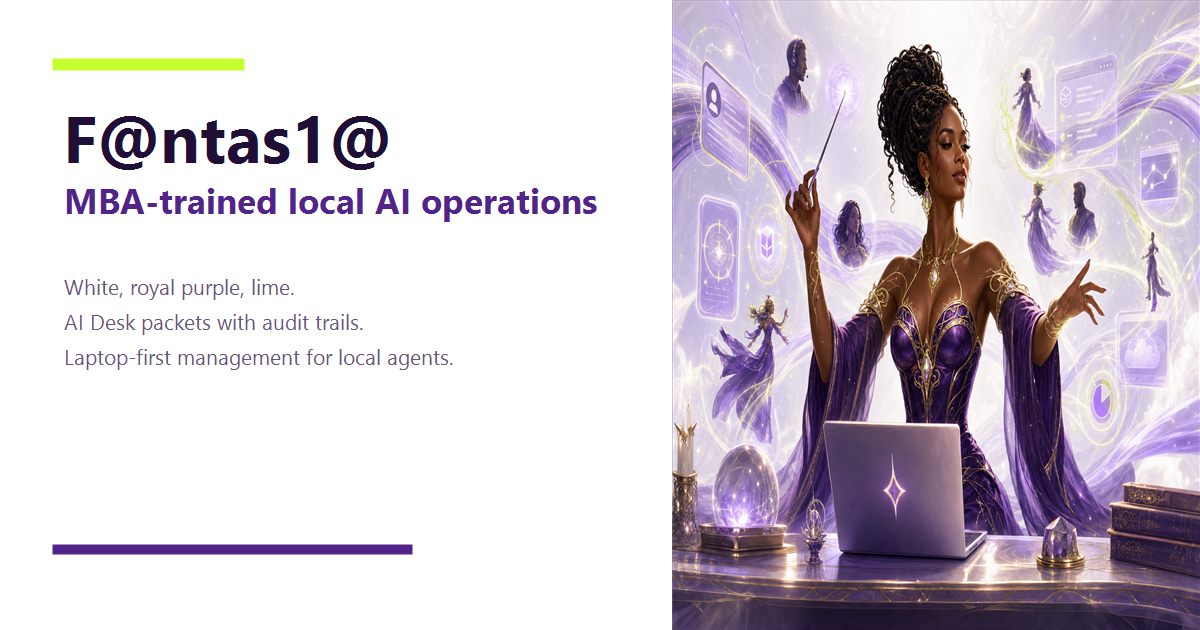
The GitHub surface can represent the product, demo copy, and launch story. The private operator layer stays private so the site shows leverage without leaking control.
Product README, demo copy, investor positioning, branded screenshots, public demo routes, and commercial notice can be shown.
Credentials, local ports, queue contents, private paths, customer data, unpublished source, and operator-only artifacts stay out of public routes.